
Convert PyTorch to SNN
This guide shows how to convert PyTorch to SNN with NeuroCUDA from a real checkpoint: install, calibrate, fine-tune, validate on GPU, measure sparsity, and export. Every step includes runnable code.
TL;DR
To convert PyTorch to SNN: pip install neurocuda → snn = neurocuda.convert(model, cal_loader) → neurocuda.compile(snn, target="gpu") → neurocuda.evaluate(snn, test_loader). QCFS + BPTT run inside convert(). ResNet-18/CIFAR-10: 94.61% at T=32. Theory primer: ANN-to-SNN hub. Full API walkthrough below.
This page vs nearby pages: this is the copy-paste HowTo to convert PyTorch to SNN. /ann-to-snn is conversion theory. The PyTorch SNN tutorial is a shorter four-call quickstart. /neurocuda is the product hub. Google should index this URL for the how-to query, not as a duplicate of the hub.
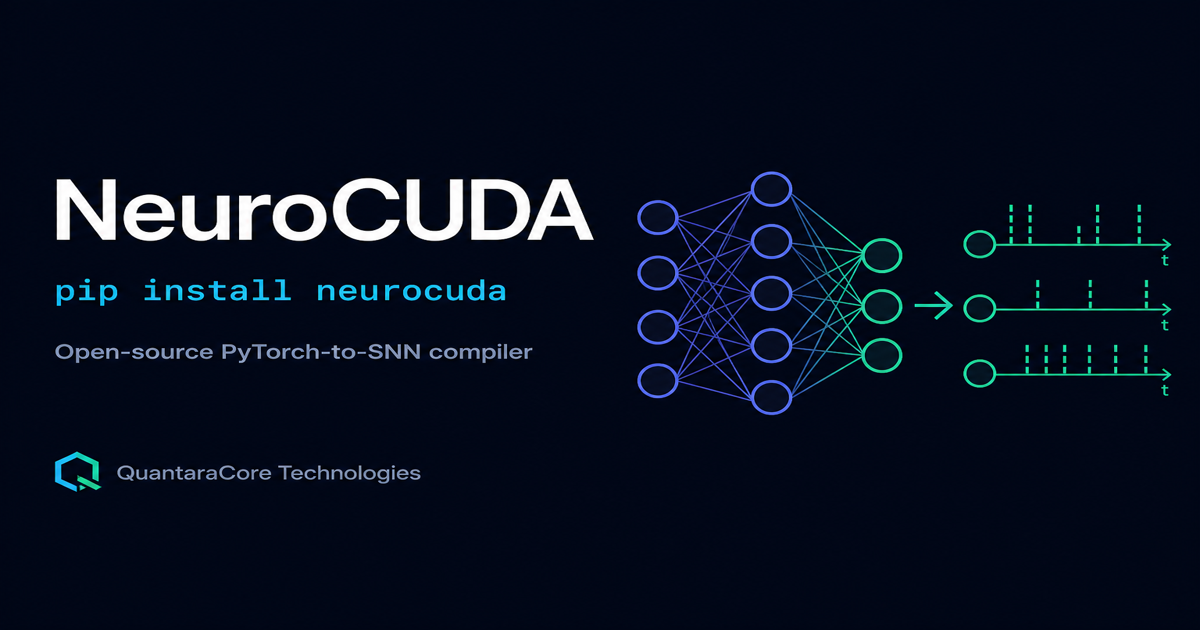
Teams search convert pytorch to snn when they have a working ANN and need spiking inference for neuromorphic hardware roadmaps, energy studies, or ROS2 deployment. The failure mode is picking a training library (snnTorch) when they need a converter, or a simulator (Brian2) when they need PyTorch weights preserved.
NeuroCUDA is built for this exact job. This post is the complete conversion guide: prerequisites, code for each stage, backend selection, debugging, and how results compare to the ANN baseline.
Prerequisites
- Python 3.9+ with PyTorch and torchvision installed
- A trained
torch.nn.Modulewith ReLU activations (CNN, MLP, ResNet) - Calibration and test
DataLoaderobjects (typically 10-20% of training data for calibration) - Optional: NVIDIA GPU with CUDA for fastest conversion and inference
If you have not installed the package yet, start with pip install neurocuda guide.
Step 1: Install NeuroCUDA
pip install neurocuda
# all backends (GPU, Loihi 2 sim, NIR):
pip install neurocuda[all]
Step 2: Load your trained PyTorch model
import torch
import torchvision.models as models

device = torch.device("cuda" if torch.cuda.is_available() else "cpu")
model = models.resnet18(weights=None, num_classes=10)
model.load_state_dict(torch.load("resnet18_cifar10.pth", map_location=device))
model.eval()
model.to(device)
NeuroCUDA expects a conventional ANN checkpoint. You do not rewrite layers in spiking form manually; the compiler replaces activations after QCFS calibration.
Step 3: Prepare data loaders
from torchvision import datasets, transforms
from torch.utils.data import DataLoader, random_split

transform = transforms.Compose([
    transforms.ToTensor(),
    transforms.Normalize((0.4914, 0.4822, 0.4465),
                         (0.2470, 0.2435, 0.2616))
])
full_train = datasets.CIFAR10(root="./data", train=True, download=True, transform=transform)
test_set = datasets.CIFAR10(root="./data", train=False, download=True, transform=transform)

cal_size = int(0.1 * len(full_train))
train_size = len(full_train) - cal_size
train_set, cal_set = random_split(full_train, [train_size, cal_size])

cal_loader = DataLoader(cal_set, batch_size=64, shuffle=True)
test_loader = DataLoader(test_set, batch_size=64, shuffle=False)
The calibration loader drives QCFS threshold estimation. Use in-distribution data representative of deployment.
Step 4: Convert PyTorch to SNN
import neurocuda

snn = neurocuda.convert(
    model,
    cal_loader,
    timesteps=32,
    device=device
)
This single call runs the full pipeline to convert pytorch to snn:
- QCFS replaces ReLU with quantized clipping; per-channel thresholds calibrate from calibration batches
- BatchNorm folds into preceding conv/linear weights
- Integrate-and-fire neurons replace calibrated activation layers
- BPTT fine-tuning with atan surrogate gradients recovers accuracy
Conversion time depends on model size and GPU; ResNet-18 on CIFAR-10 typically completes in minutes, not hours of manual reimplementation.
Step 5: Compile to a backend
neurocuda.compile(snn, target="gpu")   # CUDA inference
# neurocuda.compile(snn, target="cpu")
# neurocuda.compile(snn, target="loihi2_sim")
GPU and CPU backends are cross-validated (0 spike deviations across 256,000 comparisons in published tests). Use CPU for CI regression tests; GPU for throughput.
Step 6: Evaluate accuracy
ann_acc = neurocuda.evaluate(model, test_loader, device=device)
snn_acc = neurocuda.evaluate(snn, test_loader, device=device)
print(f"ANN: {ann_acc:.2%}  SNN: {snn_acc:.2%}")
Expected ResNet-18/CIFAR-10 results at T=32: SNN 94.61% ± 0.14% vs ANN 95.56% ± 0.11%. For a dedicated ResNet walkthrough see ResNet-18 SNN conversion tutorial.
Step 7: Measure sparsity
sparsity = neurocuda.measure_sparsity(snn, test_loader, device=device)
print(f"Sparsity: {sparsity:.1%}")
Sparsity is the fraction of neuron-timesteps without a spike. ResNet-18/CIFAR-10 reports roughly 93.7% sparsity. Higher sparsity correlates with lower event-driven energy on neuromorphic silicon, though GPU execution does not capture that energy directly.
Step 8: Export to NIR (optional)
neurocuda.to_nir(snn, "resnet18_snn.nir")
NIR is the vendor-neutral exchange format. NeuroCUDA's ResNet residual executor is verified bit-exact on round-trip, a case that breaks naive converters at skip-connection sums.
Conversion pipeline comparison
| Stage | What happens | Failure symptom |
|---|---|---|
| QCFS calibration | Thresholds align ANN activations to spike range | Flat accuracy ~10% on CIFAR-10 |
| BN folding | Norm params merge into weights | Shifted activations, unstable spikes |
| IF replacement | ReLU becomes integrate-and-fire | Dead neurons, no output spikes |
| BPTT fine-tune | Surrogate gradients adjust thresholds | Accuracy gap >5% vs ANN |
Debugging when conversion fails
If accuracy collapses after you convert pytorch to snn, check these before blaming the architecture:
- Timesteps too low: try T=32 or higher for deep CNNs
- Membrane reset bugs: see SNN accuracy drop guide
- Thresholds not learning: see QCFS threshold guide
- Wrong normalization: calibration data must match test preprocessing
NeuroCUDA vs manual conversion
| Approach | Effort | Residual nets | Published validation |
|---|---|---|---|
| Manual ReLU→LIF swap | Days per layer | Skip sums error-prone | Ad hoc |
| SNNToolbox | Medium | Limited ResNet support | Older benchmarks |
| NeuroCUDA | Minutes | Verified ResNet-18 NIR | Multi-seed PDF |
What comes after conversion
Software validation on GPU is step one. Step two may be Loihi 2 equation simulation (target="loihi2_sim") without Intel Lava - see Loihi 2 PyTorch without Lava. Step three is physical hardware or ROS2 integration (NeuroCUDA ROS2). Each step has different evidence requirements; do not conflate them.
Primary sources
- NeuroCUDA technical report, quantaracore.in/neurocuda/paper.pdf
- NeuroCUDA GitHub, github.com/Krishnav1/neurocuda
- ANN-to-SNN tools compared, quantaracore.in/blog/ann-to-snn-conversion-tools-compared
- PyTorch SNN tutorial, quantaracore.in/blog/pytorch-spiking-neural-network-tutorial
Frequently asked questions
Can I convert pytorch to snn without GPU?
Yes. Conversion and CPU inference work without CUDA. GPU speeds up BPTT and batch evaluation.
Does convert() change my original checkpoint?
No. It returns a new spiking model object. Keep your ANN weights as the regression baseline.
Which models can I convert?
ReLU-based CNNs, MLPs, and ResNets are supported. Exotic activations may need architecture changes first.
How does this compare to snnTorch?
snnTorch trains SNNs from scratch. This guide converts existing ANN weights. See snnTorch vs NeuroCUDA.
Start now: pip install neurocuda · Product page · PDF report